
Fixity
Slack integration
Fixity has a customized webhook for Slack, so you are notified of activity in your city. Once set up, Fixity posts all events to the Slack channel you specify.
- Create or choose the conversation and Slack channel you wish to connect.
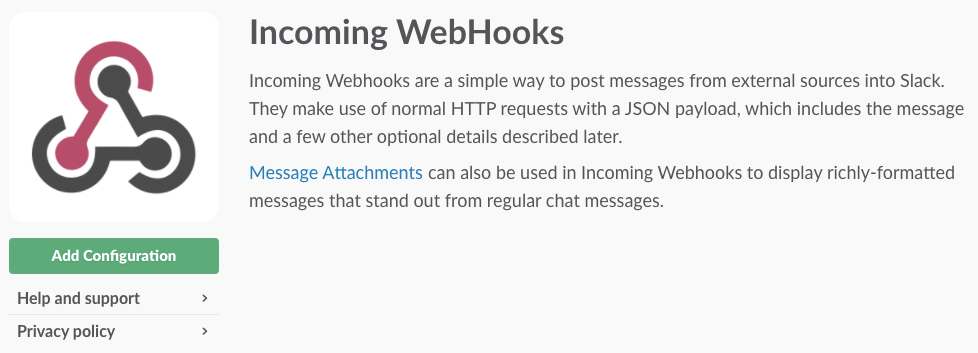
- Open the Slack App Directory by clicking Gear icon → Add an App, then search for and click Incoming WebHooks. In the window that opens, click the Add Configuration button.
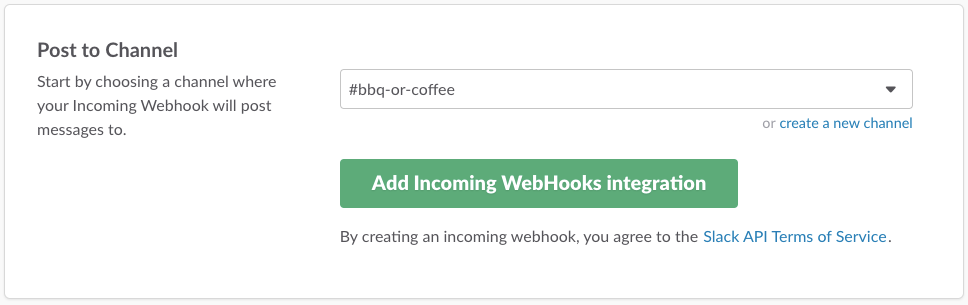
- Choose the channel or conversation you want to integrate, and click Add Incoming WebHooks Integration.
- On the next screen, you can customize the integration as you wish (don't forget to save if you make any changes).
- Copy the Webhook URL to your clipboard, and paste it into the field in Fixity City Settings.
